Wireless Car Charger Mount: How to Choose and Use It
The short answer
- Choose a mount that fits your phone size and your car’s dash or vent layout.
- Place the phone where you can glance at it without covering the windshield or controls.
- Check charging alignment, case thickness, and grip strength before you drive.
- Keep cables short and routed safely so they do not snag shifters, vents, or pedals.
A dead phone and a cluttered cord can turn a simple drive into a hassle. If you use maps, calls, or music on the road, you need a setup that keeps the screen easy to see and the battery from dropping.
A wireless car charger mount solves both problems at once. The key is picking the right style, placing it correctly, and making sure the phone stays stable enough to charge without slipping or overheating.
Why use a wireless car charger mount?
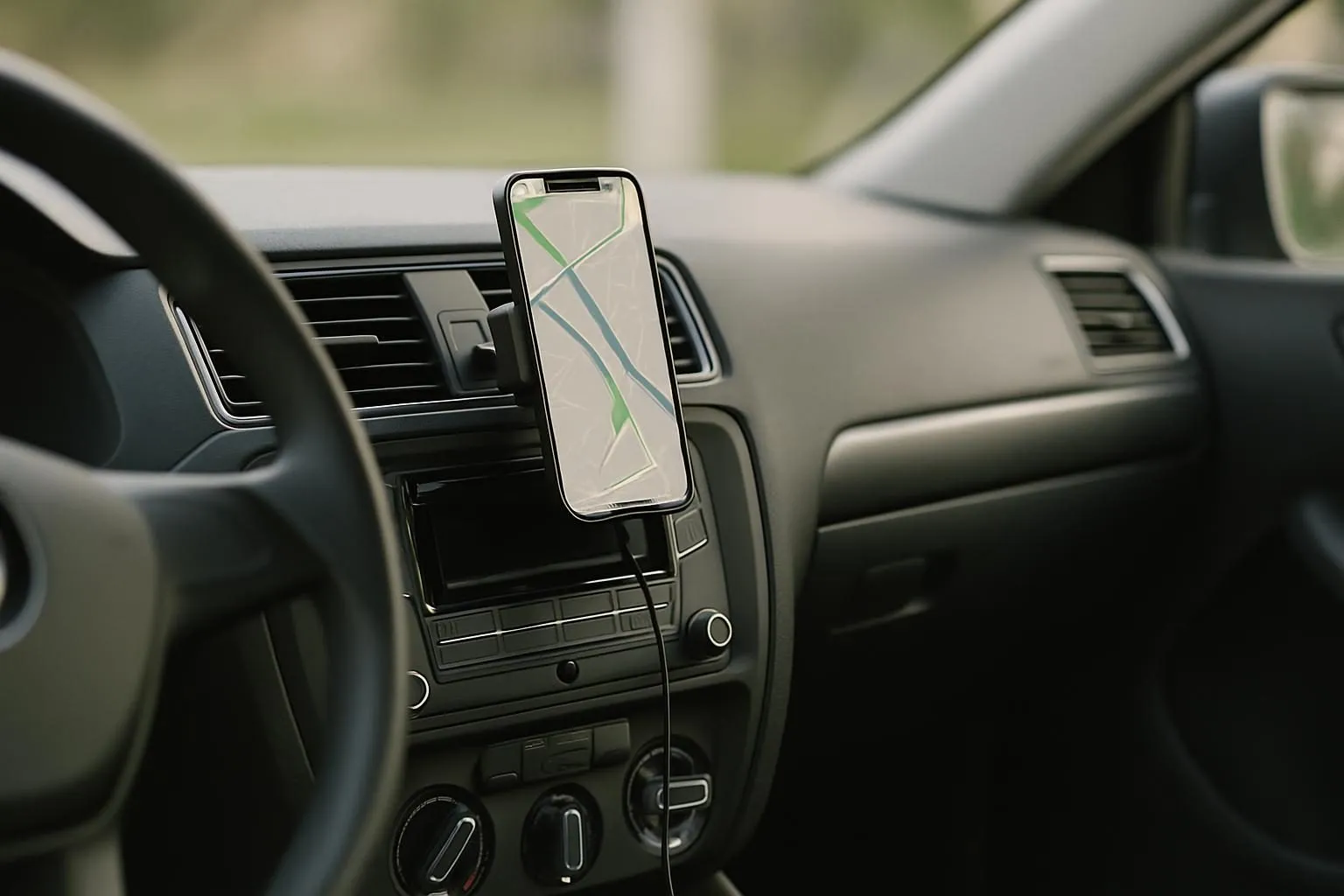
A wireless car charger mount combines two jobs: it holds the phone where you can see it and charges it without plugging in a cable every time. That means less cord clutter around the center console and fewer moments when your phone slides out of reach.
It is especially useful for drivers who rely on navigation, hands-free calling, or music apps. The main goal is not just convenience. It is keeping the phone visible enough to glance at safely while also maintaining a steady charge on longer trips.
- Fewer cords around the shifter and cup holders
- Phone stays in a fixed, easy-to-see position
- Less unplugging and replugging at every stop
- Helpful for navigation, calls, and music

This is the most direct option if you want one mount that holds the phone and charges it at the same time. It helps cut cord clutter while keeping navigation visible.
Where should you mount it for the safest view?
Mount the phone where you can see directions without looking far away from the road. Common spots are the dash, air vent, or windshield, depending on what your car allows and what stays clear of your line of sight. The best location is one that keeps the screen visible but does not block vents, buttons, or airbags.
Before installing, sit in your normal driving position and check three things: whether you can reach the phone with one hand, whether the screen is easy to read, and whether the mount leaves your view open. If the phone sits too low, you may have to look down too often. If it sits too high, it may block important sight lines.
- Test the spot from the driver’s seat before tightening anything
- Avoid blocking airbags, controls, or the windshield view
- Keep the screen within a quick side glance
- Make sure the mount does not cover heating or cooling vents
What should you check before buying?
Not every wireless car charger mount works the same way. Check your phone size and case thickness first, because a very thick case can prevent the charging surface from lining up properly. If your case has a metal plate, pop socket, or magnetic accessory, confirm that it will not interfere with charging.
Also check the mount style. Some grip the phone with side arms, while others use a magnetic connection. A magnetic model is quick to place and remove, but it depends on a strong connection and a compatible phone setup. A grip-style mount can be more forgiving if you switch between phones or cases.
Finally, look at the power source. Some mounts need a separate charging cable and adapter to supply enough power. If the cable is too short or routed poorly, it can pull on the mount or become a distraction.
- Phone width and weight
- Case thickness and material
- Whether the charging area lines up with your phone
- Mount style: magnetic or grip
- Cable length and where it will run
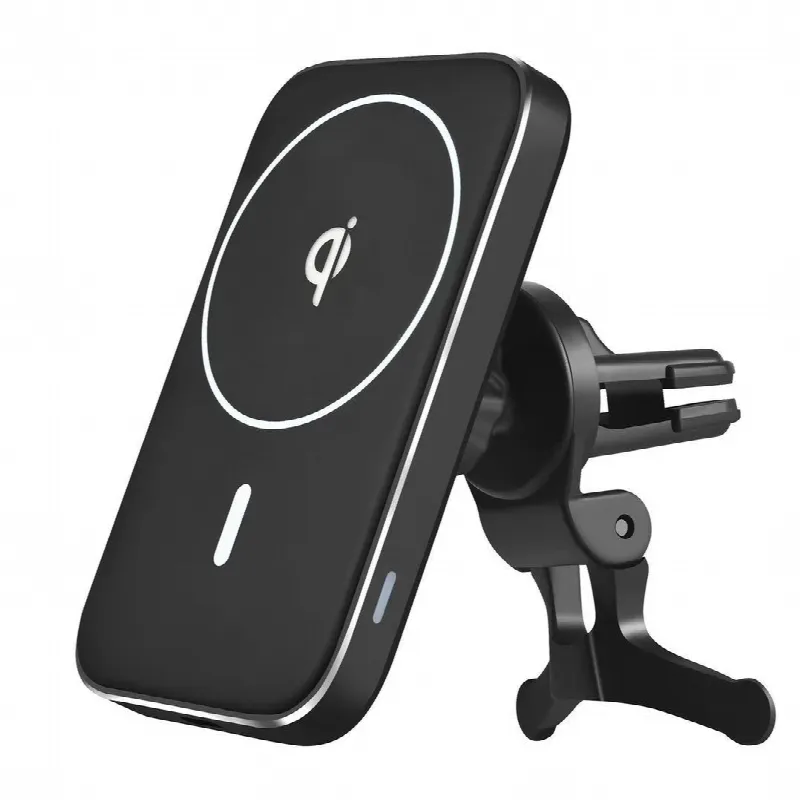
A magnetic wireless charger mount is a good fit if you want fast placement and removal without wrestling with arms or clamps. It works best when your phone and case line up well.
How do you stop the phone from slipping or disconnecting?
A mount only works well if the phone stays in the same charging position. If the phone shifts, charging can slow down or stop. Start by making sure the mount is tightened fully and attached to a stable surface. Clean the dash, vent blades, or glass area first so dust and oils do not weaken the hold.
If the phone still wobbles, reduce extra weight on the back of the case, remove anything bulky, and check whether the mount is being overloaded. For magnetic mounts, line the phone up carefully every time. For grip mounts, make sure the arms hold the phone evenly on both sides. If your road surface is rough, a stronger grip usually matters more than a quick-release design.
- Clean the mounting surface before installation
- Tighten the joint and clamp before driving
- Keep bulky accessories off the back of the phone
- Re-center the phone so the charger lines up
- Check grip after going over rough pavement
How do you keep cords neat if the mount still needs power?
Even a wireless charger mount usually needs a power cable behind the scenes. The goal is to make that cable disappear into the car instead of hanging where it can snag. Run the cord along trim pieces, use the shortest practical route, and avoid draping it across the gear selector or cup holders.
If the cable is long enough to loop, do not leave extra slack in a visible bundle. Tuck it into a seam or secure it so it cannot swing while driving. Make sure the plug itself is not under strain, because repeated pulling can loosen the connection over time. A clean cable path makes the whole setup feel more permanent and less distracting.
- Use the shortest safe cable route
- Keep cords away from pedals and shifters
- Tuck slack into trim or secure it neatly
- Avoid loose loops that swing or catch
What habits help the charger work better on the road?
Set the phone in the mount before you start moving so you are not adjusting it at a stoplight or while driving. If you use maps, keep brightness at a level that is easy to read without being harsh. A phone that is too hot or too cold may charge less reliably, so avoid leaving it in direct sun when possible.
Also check the mount from time to time. Heat, vibration, and repeated phone placement can loosen parts or shift alignment. If the phone starts charging slowly, re-seat it, check the cable, and confirm that the charging surface is still lined up. Small checks prevent the kind of daily annoyance that makes people stop using the mount.
If you use a case, keep it consistent. Switching between thick and thin cases can change the charging distance enough to matter. The more repeatable your setup is, the better the mount will work day after day.
- Place the phone before you begin driving
- Keep the screen readable but not overly bright
- Watch for heat that can affect charging
- Recheck alignment if charging becomes slow
- Use the same case when possible
The bottom line
The simplest way to keep your phone charged and visible is to choose a wireless car charger mount that fits your phone, place it where you can glance at it safely, and keep the cable path neat. Once the mount is secure and aligned, you get fewer cords, fewer battery warnings, and a much cleaner driving setup.
Gear that helps
Picked from our shop for this problem. Free tracked shipping to all 50 states, and save up to 10% when you buy 2 or more.
This is the most direct option if you want one mount that holds the phone and charges it at the same time. It helps cut cord clutter while keeping navigation visible.
A magnetic wireless charger mount is a good fit if you want fast placement and removal without wrestling with arms or clamps. It works best when your phone and case line up well.
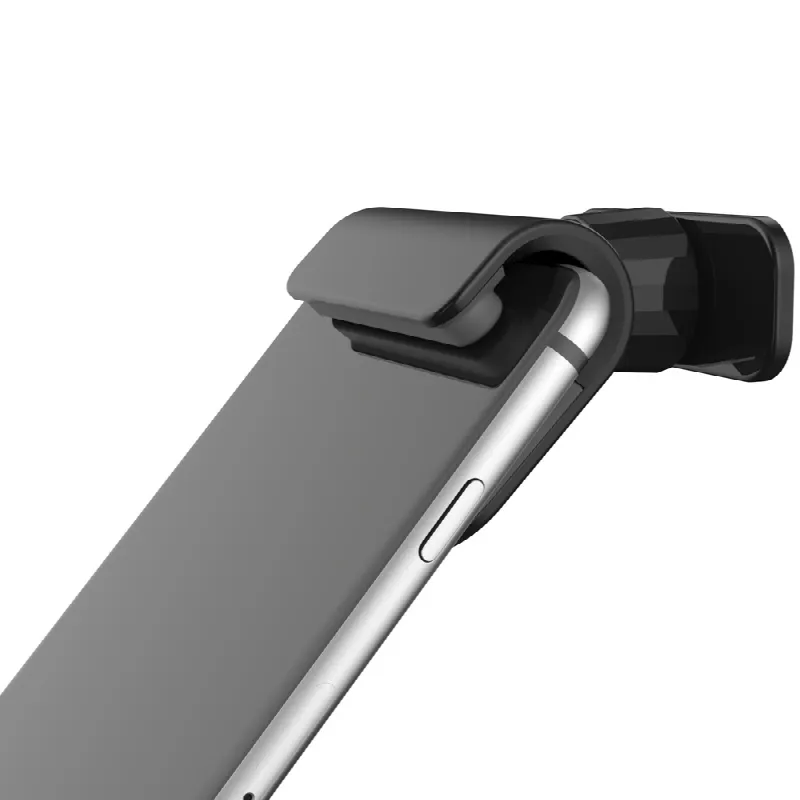
A universal gravity phone mount is useful if you want a stable, simple holder and do not need wireless charging every time. It can be a good backup choice for drivers who prioritize grip.
Questions people ask
Will a wireless car charger mount work with any phone case?
Not always. Thin cases usually work better than thick ones, and some materials can interfere with charging or magnetic grip. Check the case thickness and make sure the phone sits flat and centered on the charging area.
Where is the best place to mount my phone in the car?
The best place is one you can reach and read without blocking your view or controls. Many drivers prefer a dash or vent spot. Before installing, sit in the driver’s seat and test the sight line first.
Why does my phone charge slowly in the mount?
Slow charging can come from poor alignment, a thick case, a weak power source, or heat buildup. Re-seat the phone, check the cable connection, and make sure the mount is getting enough power from the vehicle.
Is a magnetic mount or a grip-style mount better?
Magnetic mounts are quick and simple if your phone setup is compatible. Grip-style mounts are often better if you want a more adjustable hold or use different phones and cases. Choose the one that keeps the phone steady in your car.