Night Vision Dash Cam Tips for Better Night Driving Footage
The short answer
- A good night vision dash cam should capture lane lines, license plates, and people or vehicles nearby in low light.
- Clean glass, correct placement, and the right settings matter as much as the camera itself.
- Parking mode and motion detection can help document bumps, hit-and-runs, and break-ins after dark.
- A wider view is useful, but too much glare or a dirty windshield can ruin night footage.
Nighttime driving creates a different set of visibility problems. Headlights, dark roads, streetlight gaps, and rain can make it hard to see what happened before, during, and after an incident.
A night vision dash cam helps by recording clearer low-light footage so you can document license plates, lane position, traffic signals, and events in parking lots or on unlit roads.
The key is not just buying a camera. You also need the right placement, settings, and habits to make sure the footage stays readable when it matters most.
What should clear night footage actually show?
Good low-light footage should still make the important details readable. That means you want to see the road ahead, lane markings, vehicle movement, brake lights, and nearby pedestrians or animals when conditions allow. In a parking lot, the camera should capture parked cars, entrances, and anyone approaching your vehicle.
For incident documentation, the goal is evidence, not cinema-quality video. If you can identify the sequence of events, the direction of travel, and key details like plate color or a partial plate number, the footage is doing its job.
- Road edges and lane lines
- Brake lights and turn signals
- Vehicle shape, color, and direction
- Parking lot activity near your car
- Time and date stamped on the recording
This is the most direct fit if your main goal is clearer low-light recording. It is designed to improve visibility in dark conditions so you can capture more usable footage on night drives and in dim parking areas.
Why night vision matters on dark roads and in lots
Night driving visibility drops quickly when there are few streetlights, glare from oncoming headlights, or shadows from trees and overpasses. A night vision dash cam helps by using a sensor and lens setup that is better at gathering light, so the image stays usable instead of turning into a dark blur.
In parking lots, the value is different but just as important. A camera that handles low light well can help document someone backing into your car, a door ding, or suspicious activity around your vehicle after you park.
- Less loss of detail in shadows
- Better chance of reading plates near headlights and taillights
- Clearer recording when parked in dim areas
- More useful video for insurance or incident reports
How to place the camera for the best view
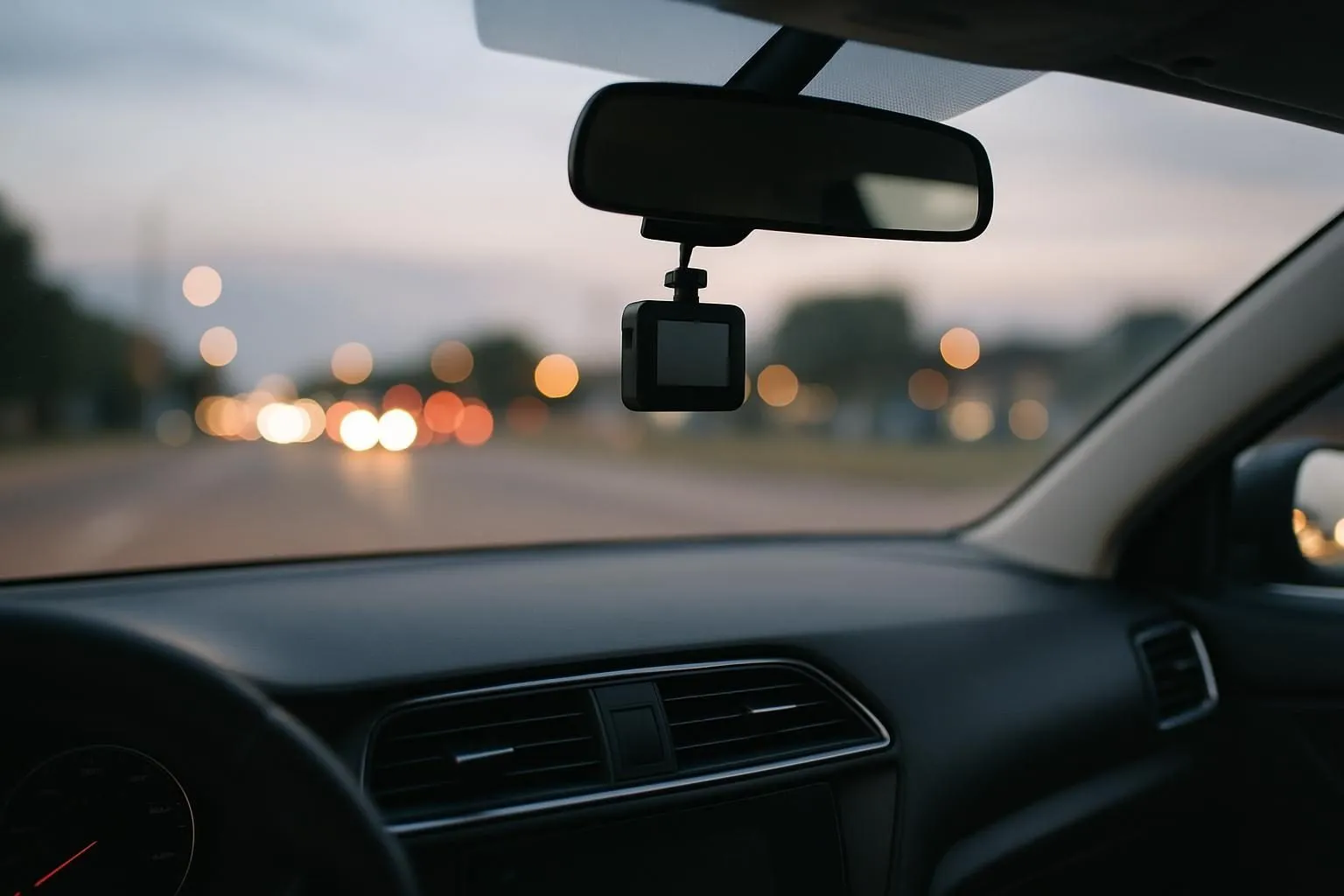
Mount the dash cam high and centered behind the rearview mirror if possible. That gives a balanced view of the road while keeping the camera out of your direct line of sight. Make sure it does not block your view of the road or interfere with airbags, sensors, or mirror movement.
Before you tighten the mount, sit in the driver’s seat and check the frame. You want the hood low in the shot, the road centered, and enough sky to catch traffic lights and overhead signs. If the camera sits too low, glare and dashboard reflections usually get worse at night.
- Place it high and centered
- Keep it out of airbag zones
- Check that the windshield area is clean
- Avoid aiming too far up or too far down
- Recheck the angle after a day of driving
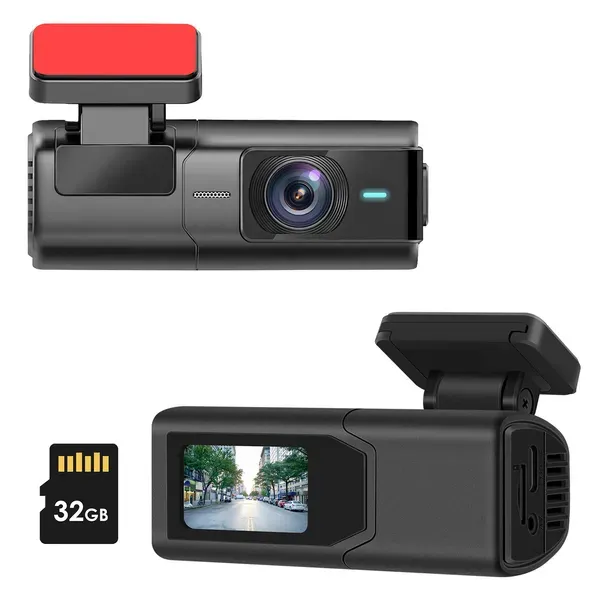
A front-facing dash cam is a practical option if you want a clear forward view for nighttime driving. It can document road events, traffic lights, and vehicle movement without adding extra complexity.
Settings that help in low light
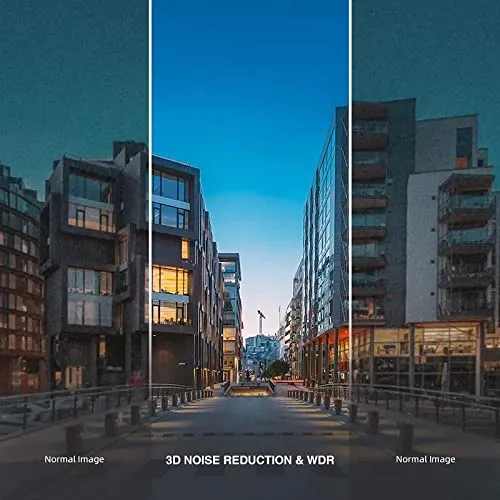
If your camera has exposure, resolution, HDR, or WDR settings, use them carefully. Higher resolution can help preserve plate detail, but only if the camera can still handle motion and darkness well. Wide dynamic range can help balance bright headlights and dark surroundings, which is useful for nighttime traffic.
Keep the date and time correct. If the footage may be used as evidence, a wrong timestamp can cause problems. If your camera offers a parking mode, read the instructions closely so you know whether it records on motion, impact, or both.
- Set the time and date before every long trip if needed
- Use the highest stable resolution available
- Turn on exposure or dynamic-range features if offered
- Confirm parking mode behavior while the car is parked and off
- Format the memory card on the schedule recommended by the manual
How to reduce glare and reflections
Glare is one of the biggest reasons night footage becomes hard to use. Dirty glass, interior reflections, and bright dashboard items can wash out the image. Clean the inside and outside of the windshield, especially in the camera’s field of view.
Keep shiny objects off the dashboard and avoid hanging items near the lens. If reflections from the cabin still show up, adjust the angle slightly lower or higher. Small changes often improve night footage more than changing settings alone.
- Clean glass before long drives
- Remove reflective objects from the dash
- Check for interior light leaks
- Tweak the angle in small steps
- Avoid placing the camera behind a heavily tinted or damaged area
What to look for after a parking lot incident
If something happens after dark, stay calm and check the recording right away if it is safe to do so. Look for the moment before impact, the exact contact point, and any vehicle or person moving away. Even partial footage can help when paired with the time, location, and a description of what you saw.
A dash cam with parking monitoring can be especially useful here because it may continue recording while the car is off. That is helpful for hit-and-runs, door dings, and vandalism in dim areas where witnesses are unlikely to be nearby.
- Find the clip before and after the impact
- Note the exact time and location
- Save the file before it gets overwritten
- Check whether the camera recorded motion, impact, or both
- Take photos of the scene if it is safe to do so
Simple habits that keep night footage useful
A dash cam only helps if it is ready when you need it. Make a quick monthly habit of checking the mount, lens, memory card, and timestamp. Test a short drive at night or in a dark garage so you can see whether the image is still clear.
If the footage looks hazy or too dark, do not assume the camera is broken. Start with the basics: clean the glass, confirm the angle, review the recording settings, and check whether the memory card is slowing down or full.
- Inspect the mount regularly
- Keep the lens and windshield clean
- Confirm the clock is correct
- Review a sample clip after dark
- Replace a failing memory card promptly
The bottom line
The simplest way to improve nighttime driving visibility is to combine the right camera with the right setup. Choose a night vision dash cam that handles low light well, mount it correctly, clean the windshield, and check your settings before you rely on it. That gives you a much better chance of capturing clear, useful footage when roads, parking lots, and conditions are dark.
Gear that helps
Picked from our shop for this problem. Free tracked shipping to all 50 states, and save up to 10% when you buy 2 or more.
This is the most direct fit if your main goal is clearer low-light recording. It is designed to improve visibility in dark conditions so you can capture more usable footage on night drives and in dim parking areas.
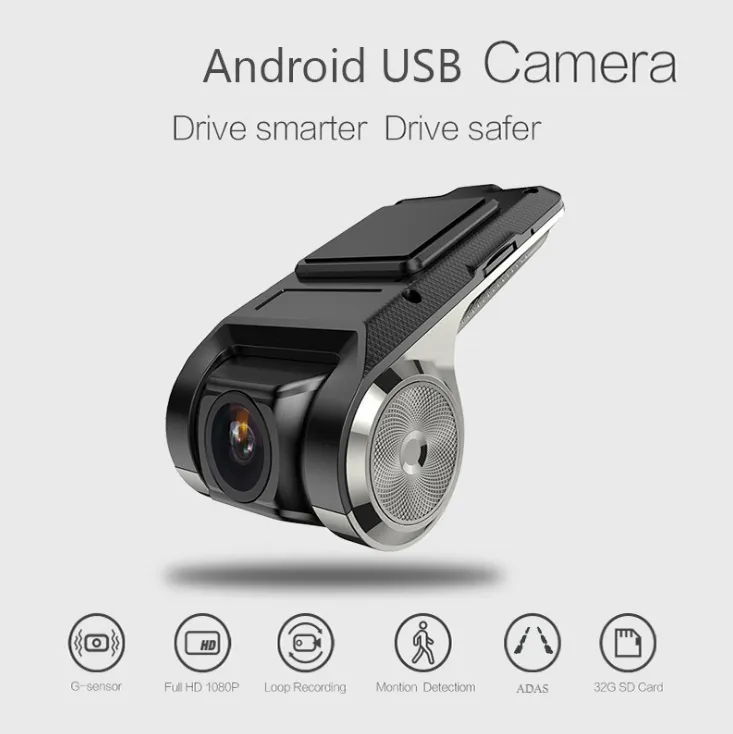
Parking monitoring adds protection when the car is off, which is useful for hit-and-runs, door dings, and other incidents that often happen after dark. It helps record activity around the vehicle while you are away.
A front-facing dash cam is a practical option if you want a clear forward view for nighttime driving. It can document road events, traffic lights, and vehicle movement without adding extra complexity.
Questions people ask
What should a dash cam be able to capture at night?
It should capture the road ahead, lane markings, nearby vehicles, traffic signals, and enough detail to understand what happened in an incident. License plates may be readable at close range or in good lighting, but that depends on distance, speed, and glare.
Is parking mode worth it for nighttime protection?
Yes, especially if you park on the street or in dim lots. Parking mode can help record bumps, motion, or suspicious activity while the car is off. Check how your camera handles parking mode so you know whether it records on impact, motion, or both.
How do I reduce glare in night footage?
Clean the windshield, remove reflective items from the dashboard, and adjust the camera angle slightly. Also check whether interior lights, tint, or wet glass are creating reflections. Small changes often make a bigger difference than changing resolution.
Do I need the highest resolution for night driving?
Not always. Higher resolution can help preserve detail, but low-light performance depends on the sensor, lens, placement, and settings too. A balanced setup with good exposure control and a clean windshield often matters more than resolution alone.